
🇬🇧 English · 🇫🇷 Français
Know what needs attention in your home — and follow it until it is fixed.
Unavailable devices, low batteries, failed automations or unexpected sensor values: Alert Manager brings the problems into one place, with a dashboard, notifications and a history of resolved alerts.
Documentation · Report an issue
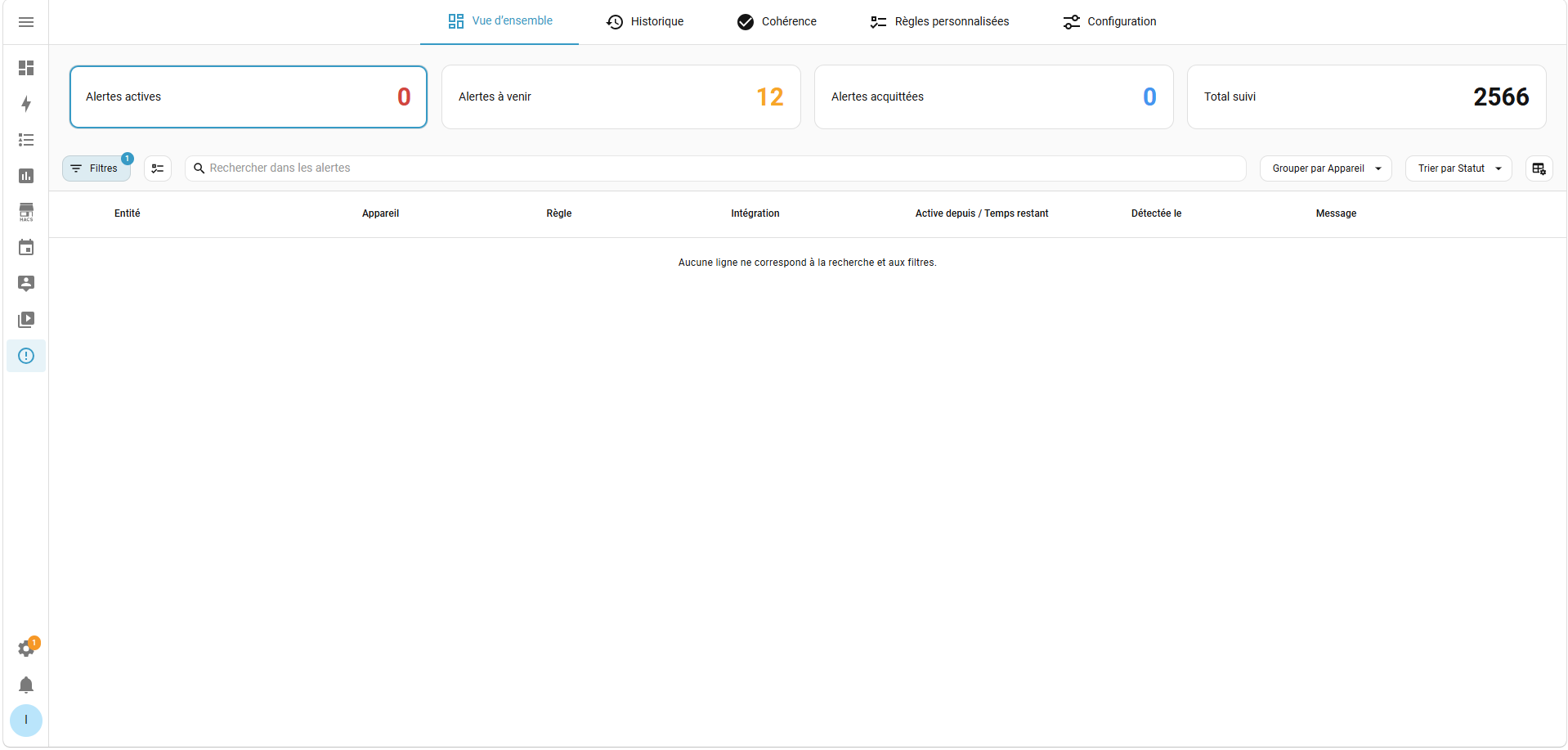
- Monitor common problems automatically. Detect unavailable entities, connection failures, low batteries, missing UniFi devices, available updates, automation/script errors and repeated instability.
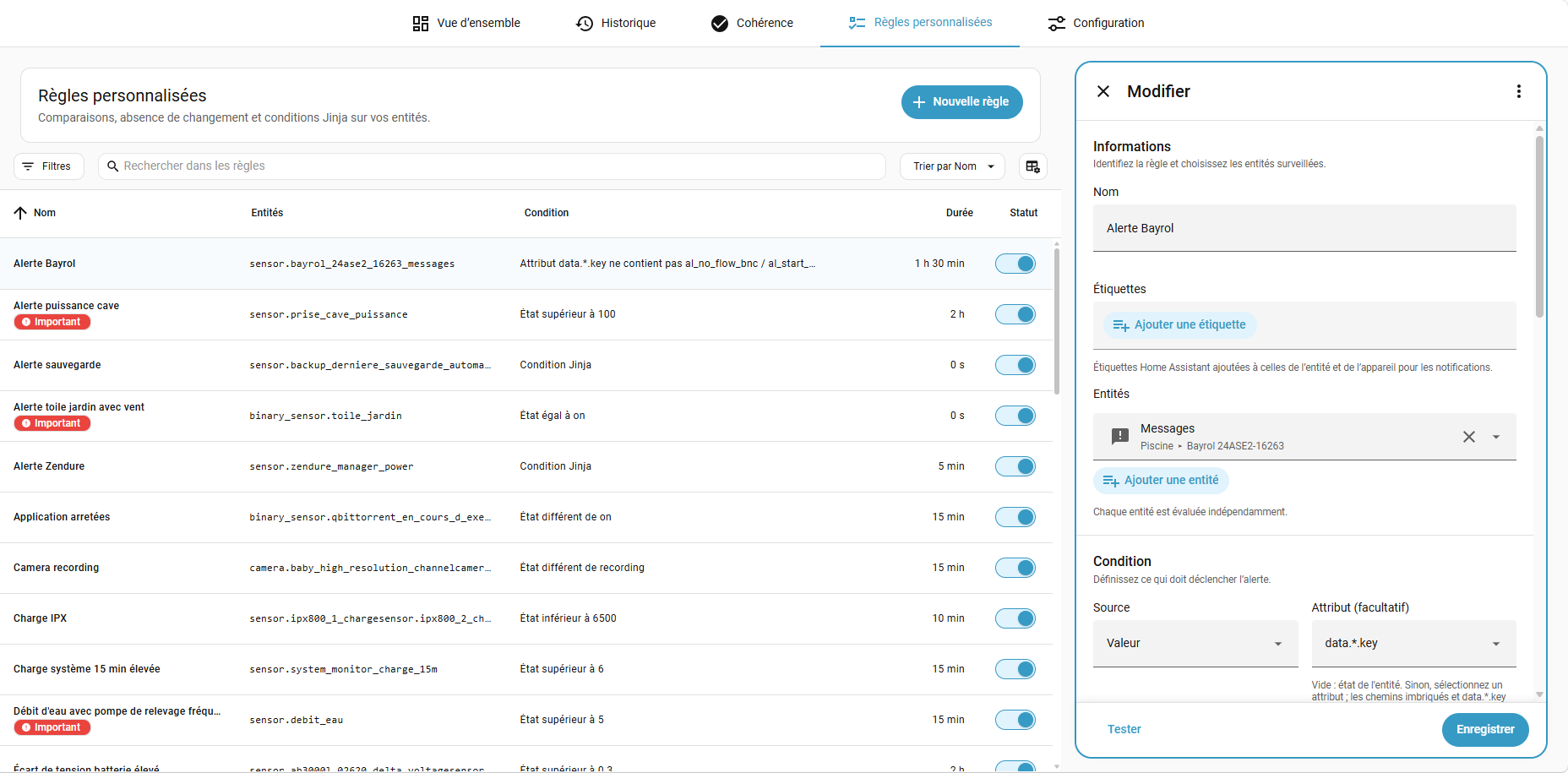
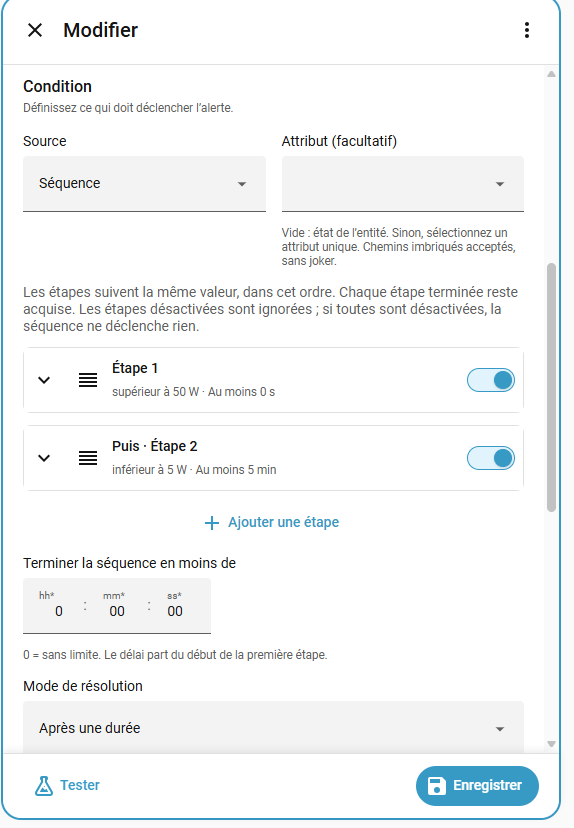
- Create your own rules. Watch a temperature, unusual power consumption, a sensor that stops changing or the end of an appliance cycle. Use the visual editor or YAML.
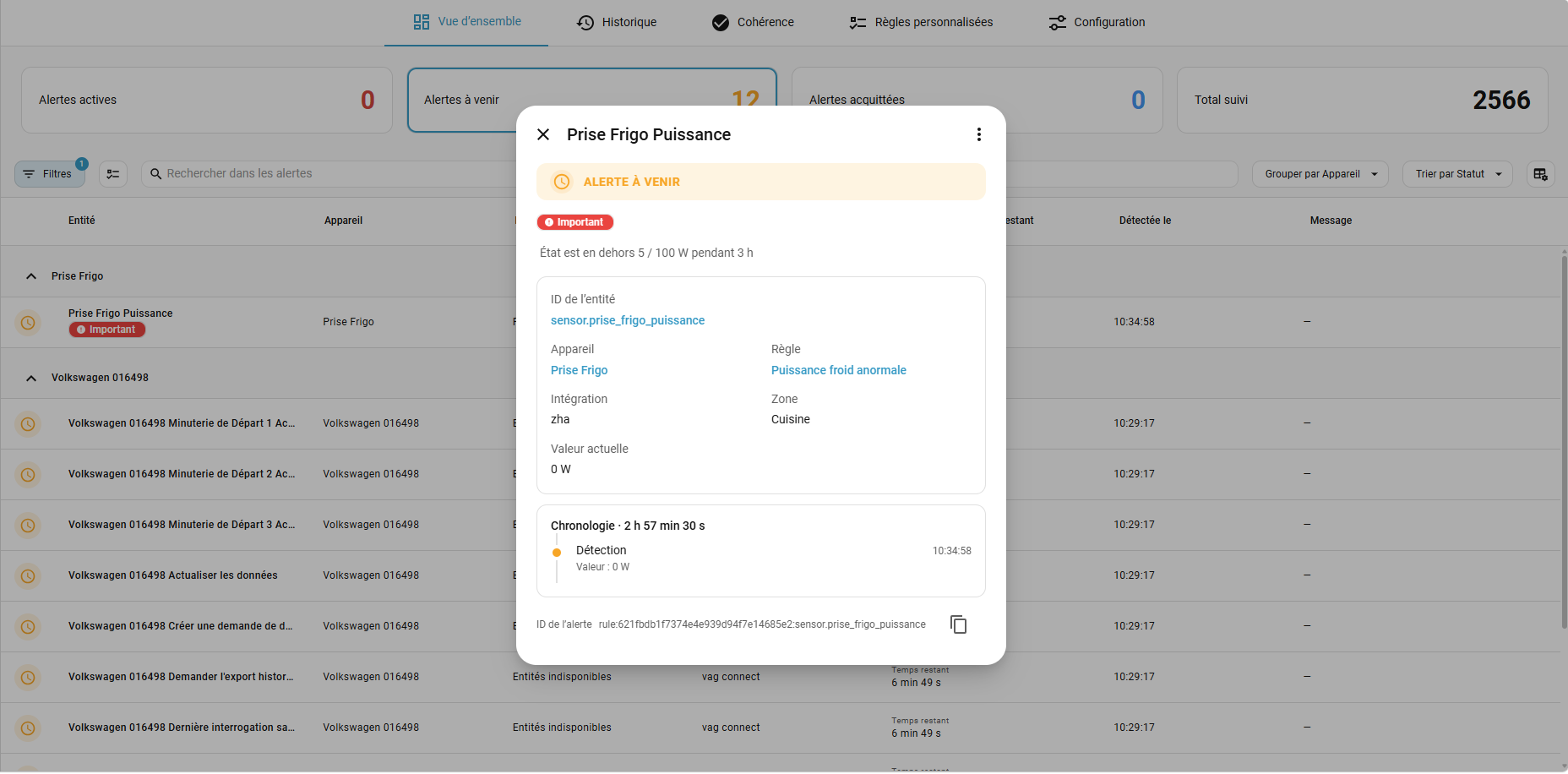
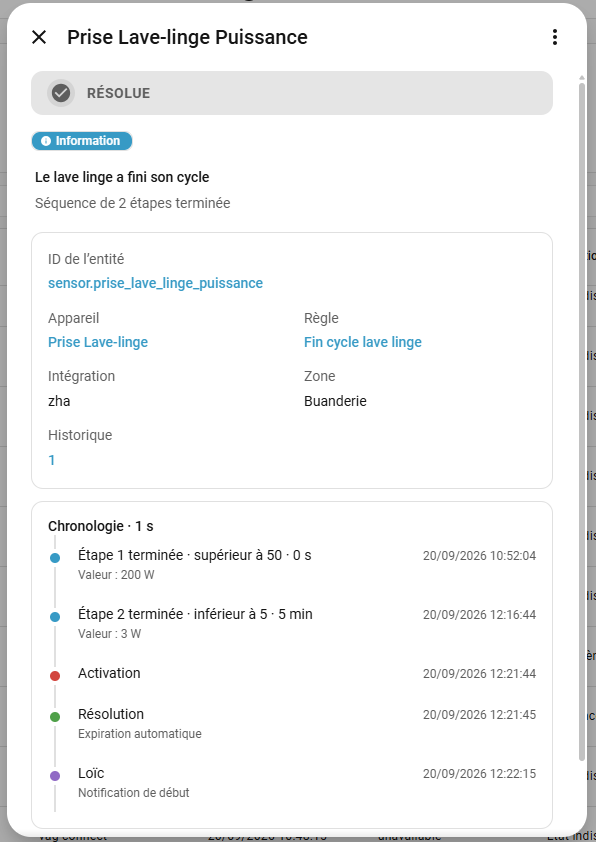
- Follow each alert. See active, upcoming and acknowledged alerts, inspect their timeline and review past occurrences. Acknowledging an alert records that you have seen it; it does not resolve the problem.
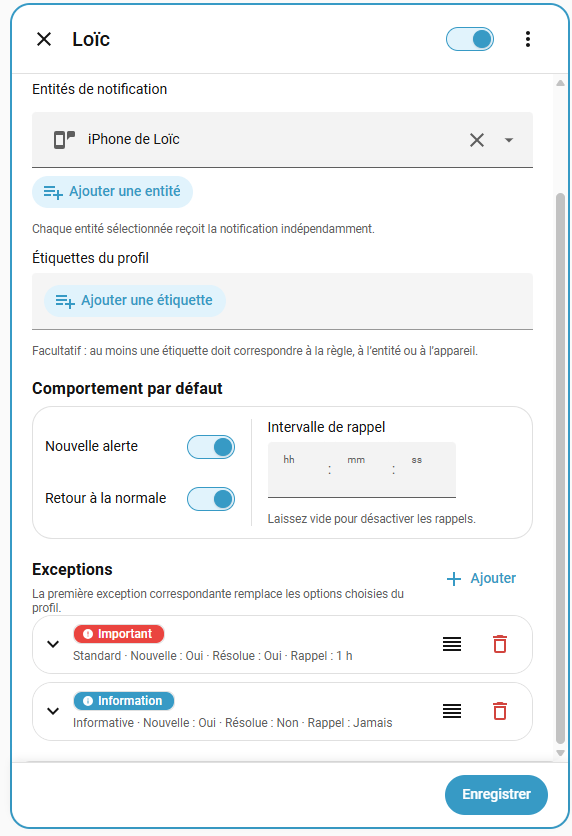
- Choose your notifications. Use labels to select what matters, with reminders, grouped messages and optional informational notifications.
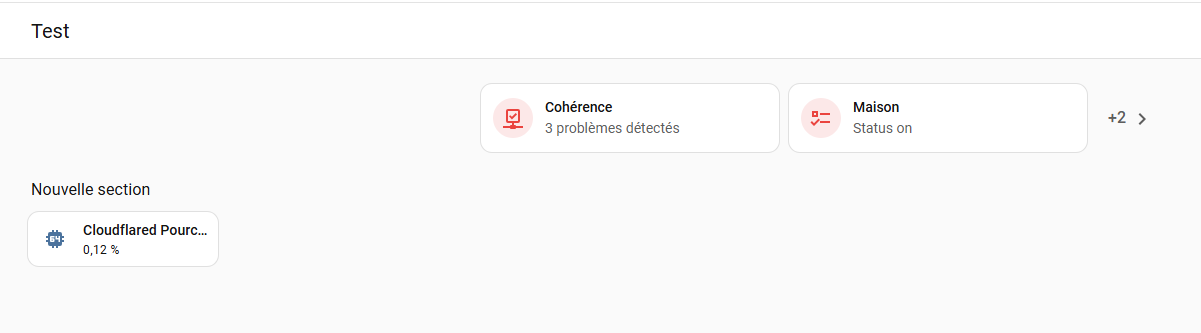
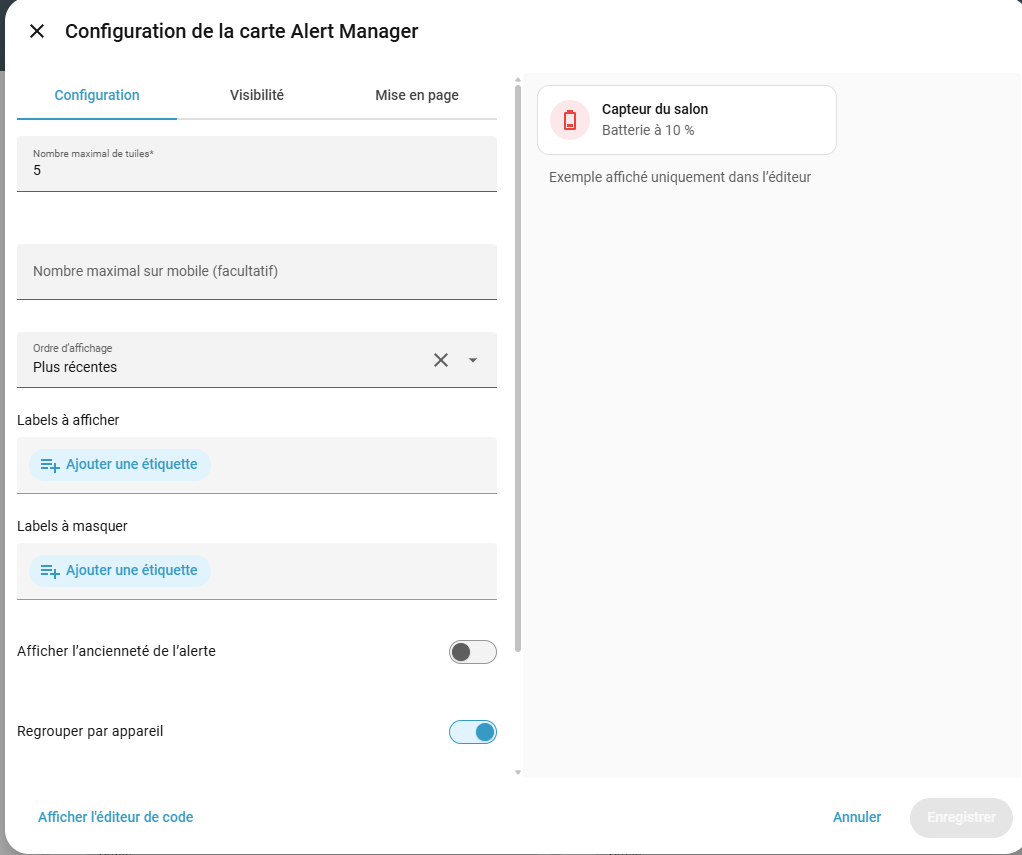
- Keep alerts on your dashboard. The included card groups alerts by device and supports custom CSS.
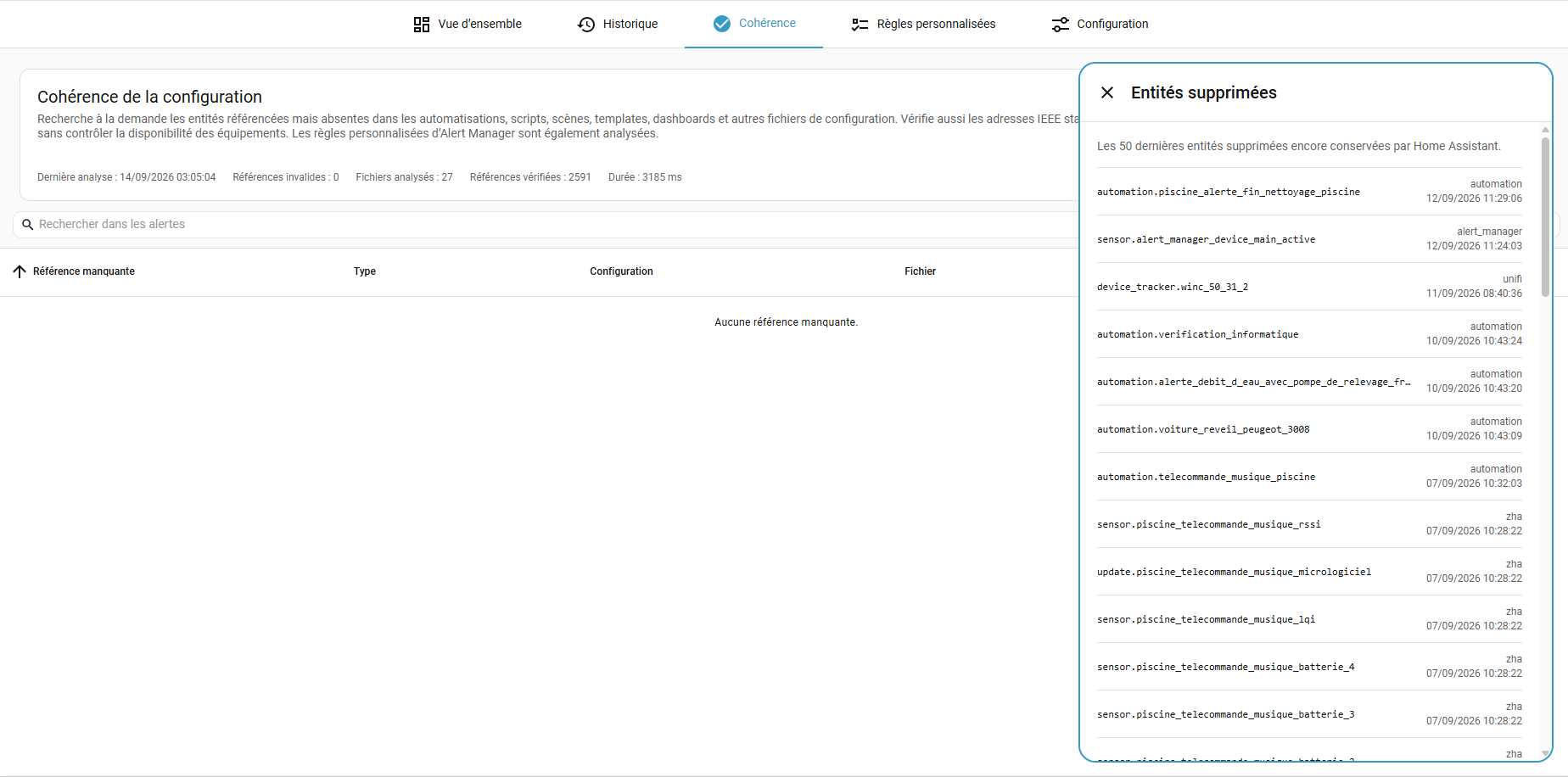
- Find broken configuration references. Review entity renames and preview replacements before applying them.
The interface is available in English and French, on desktop and mobile.
Requires Home Assistant 2026.8 or newer.
- In HACS, find and install Alert Manager.
- Restart Home Assistant.
- Open Settings → Devices & services → Add integration and search for Alert Manager.
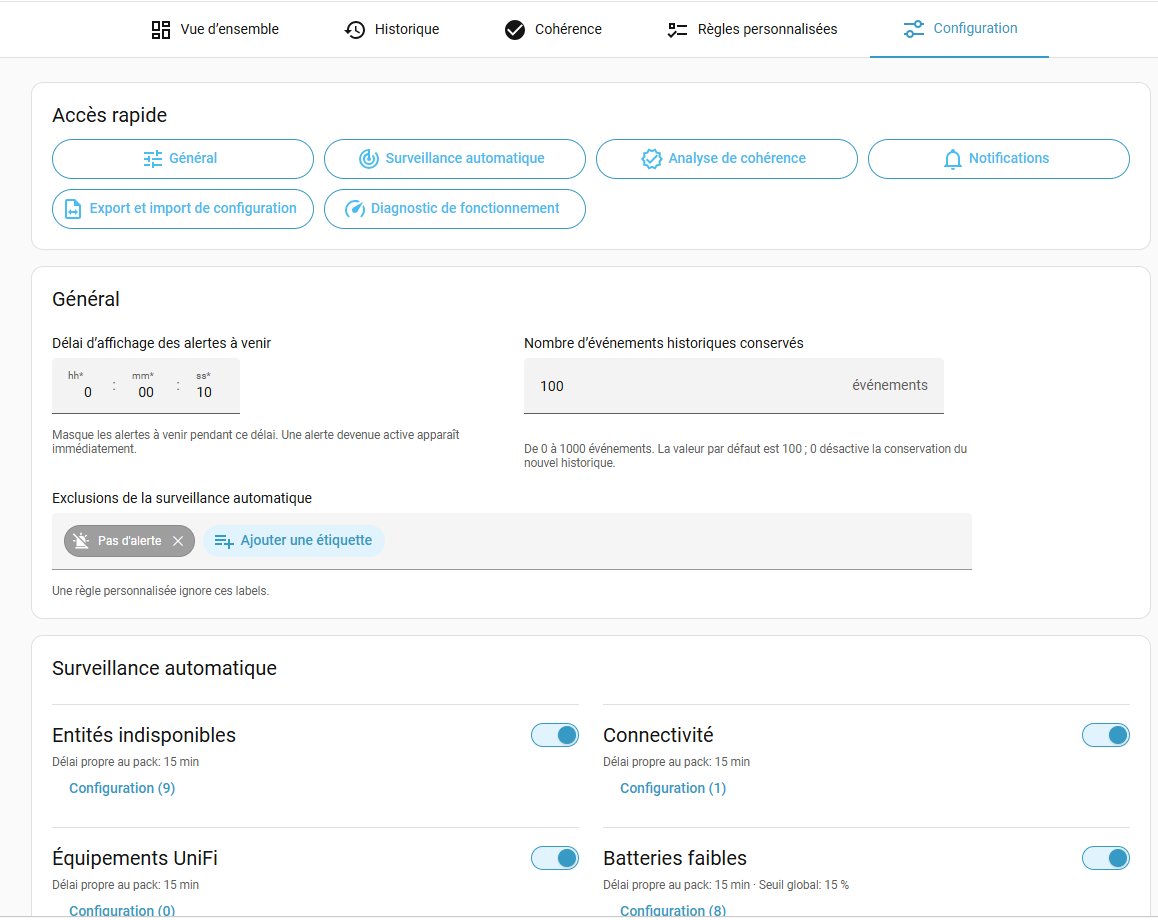
The panel appears in the sidebar. Open Configuration → Automatic monitoring to review the enabled packs and their delays, then add custom rules or notification profiles as needed.
To update: update through HACS, restart Home Assistant and refresh your browser.
Manual installation
Copy custom_components/alert_manager to /config/custom_components/alert_manager,
restart Home Assistant, then add Alert Manager from Settings → Devices & services.
Choose Alert Manager in the dashboard card picker. The card is included with the integration; refresh your browser after installing or updating it.
The detailed guides are maintained in English:
| Guide | Find out how to… |
|---|---|
| Custom rules | Create rules, sequences and Jinja conditions, with examples. |
| Configuration | Set up monitoring, notifications, backups and diagnostics. |
| Configuration coherence | Check references, review renames, apply replacements and export entities. |
| Dashboard and history | Configure the card, acknowledge alerts and explore history. |
See the documentation index for common tasks. For an installed version, select its release tag on GitHub.
More screenshots
All signed-in users can view the dashboard card, Overview and History. Configuration and actions, including acknowledgement, require an administrator. One Alert Manager instance is supported per Home Assistant installation.
Questions or ideas? Open a GitHub issue.
Alert Manager is an unofficial community integration, not affiliated with Home Assistant. This code was written partly with the help of AI.