







Backend Engineer · API Architect
I build backend systems, APIs and infrastructure designed to stay online. My work revolves around reliable services, proxy routing, server optimization and practical automation.
- Current quest: API development and proxy route optimization
- Guild: Backend systems, server engineering and open source
- Learning: Deployment patterns and server-side architecture
- Ask me about: VPS, REST APIs, proxy networks and automation
- Passive skill: Production-ready code — hosting is already handled.
Telegram music bot · Playback controls · Interactive panels · Chat-first UX




▸ FULL TECHNOLOGY INVENTORY — all tools and platforms
LANGUAGES & FRAMEWORKS


CLOUD & HOSTING


BACKEND & SERVERS


DATABASES


FRONTEND & TOOLS


DEVOPS & AUTOMATION


NETWORKING & SECURITY


DATA / ML


DESIGN & GAME DEVELOPMENT



Try to catch me! Open the interactive 2048-style game.


⚙️ SYSTEM ARCHITECTURE — PROFILE AUTOMATION & SETUP
This profile uses GitHub Actions to refresh generated visualisations and repository traffic data:
- visitor-counter.yml — updates the cumulative repository-view counter using GitHub traffic data; every 6 hours and manual.
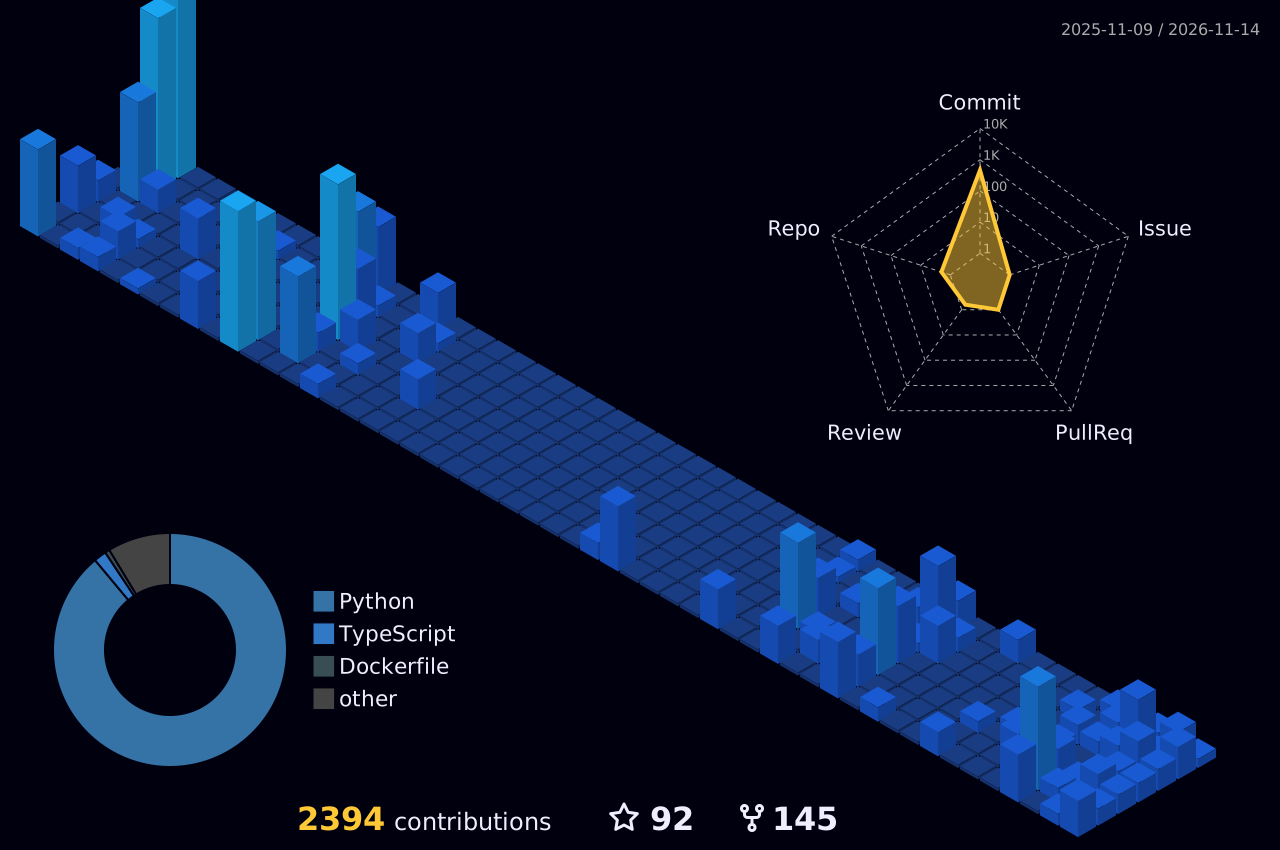
- profile-3d.yml — generates the 3D contribution graph; daily and manual.
- metrics.yml — generates contribution, language and code metrics through lowlighter/metrics; daily and manual.
- snake.yml — generates the contribution snake and publishes it to the
outputbranch; every 6 hours and on manual trigger.
The profile-view badge is provided by visitor-badge.laobi.icu. External counters may be affected by caching and image requests.
The hero, dossier, arsenal board, status board, terminal and dividers are self-hosted SVGs in assets/.
The 3D graph appears after its workflow has run at least once. You can trigger it manually from the Actions tab.
🔐 Include private contributions in the metrics card (optional)
The default GITHUB_TOKEN can only see public data. To include private contribution totals without exposing repository names or details:
- Go to GitHub → Settings → Developer settings → Personal access tokens → Tokens (classic).
- Generate a token with the
reposcope and copy it. - In this repository, open Settings → Secrets and variables → Actions → New repository secret.
- Name:
METRICS_TOKEN - Value: your token
- Name:
- Run the GitHub Metrics workflow once from the Actions tab.
The token is stored as an encrypted GitHub secret and is never included in this README. If omitted, metrics use public data only.

「 ARISE 」 — BUILT WITH PRODUCTION-READY CODE, BECAUSE I ALREADY OWN THE HOSTING.