


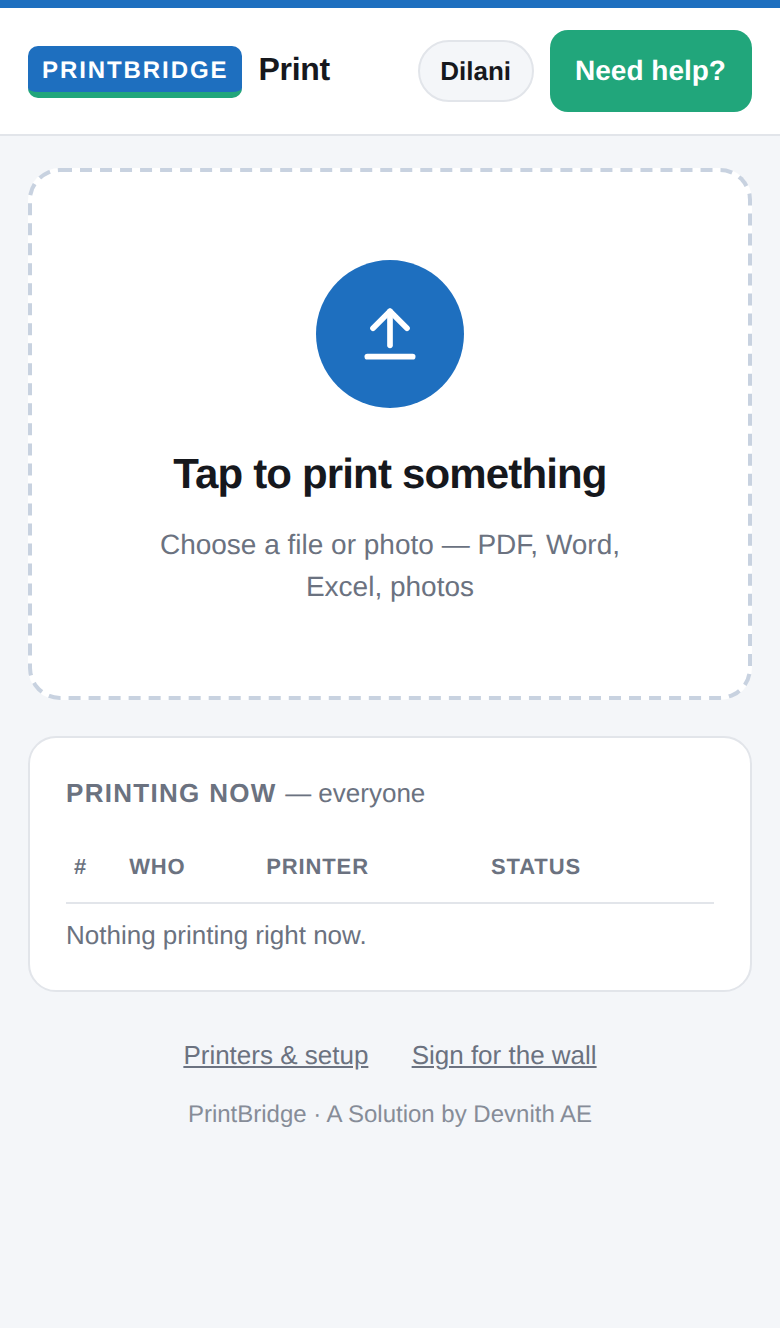
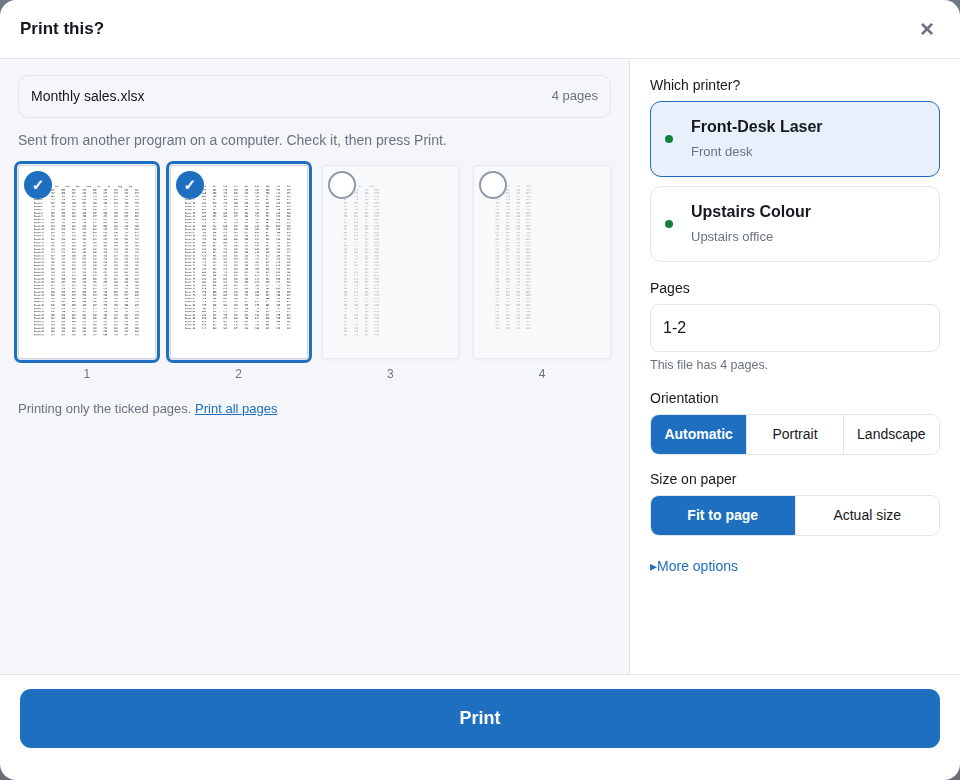
| Print from any phone or browser | Preview pages & pick a printer |
|---|---|
 |
 |
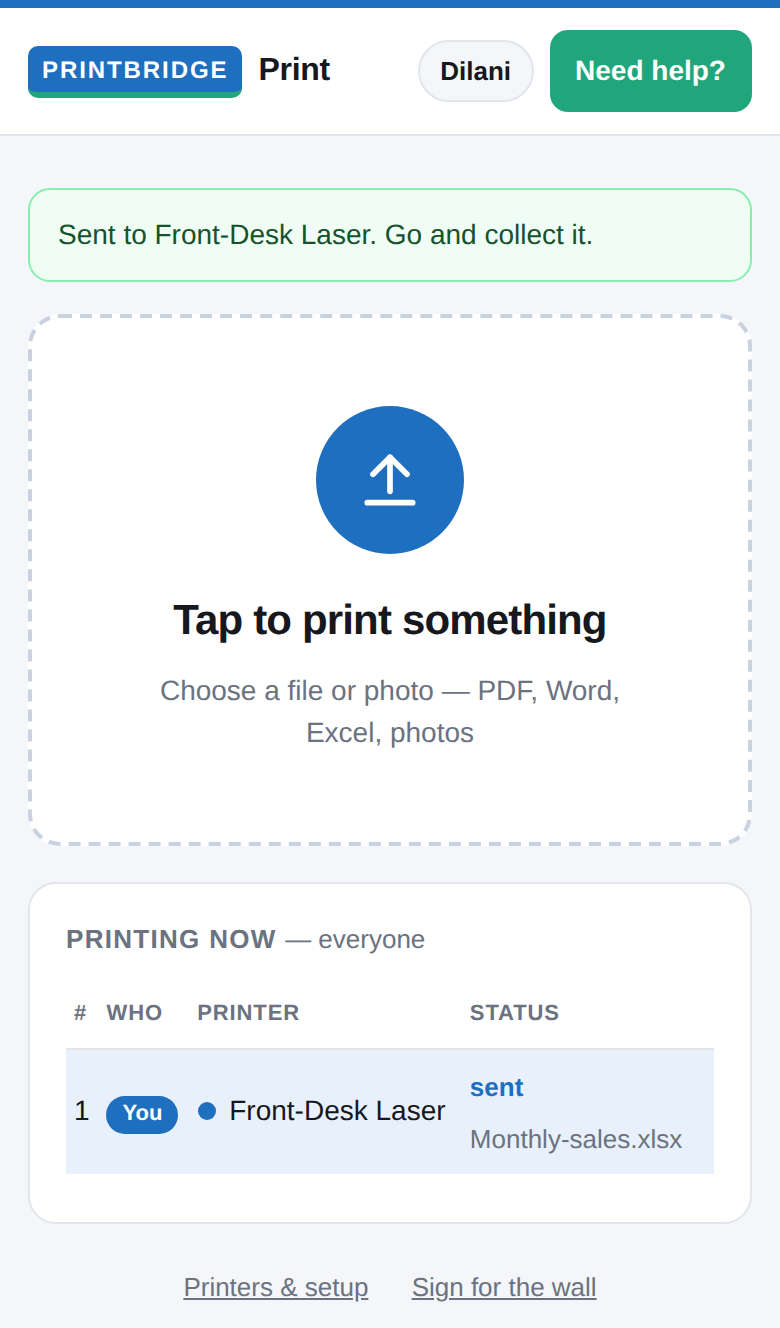
| Live print queue | Printable wall QR sign |
 |
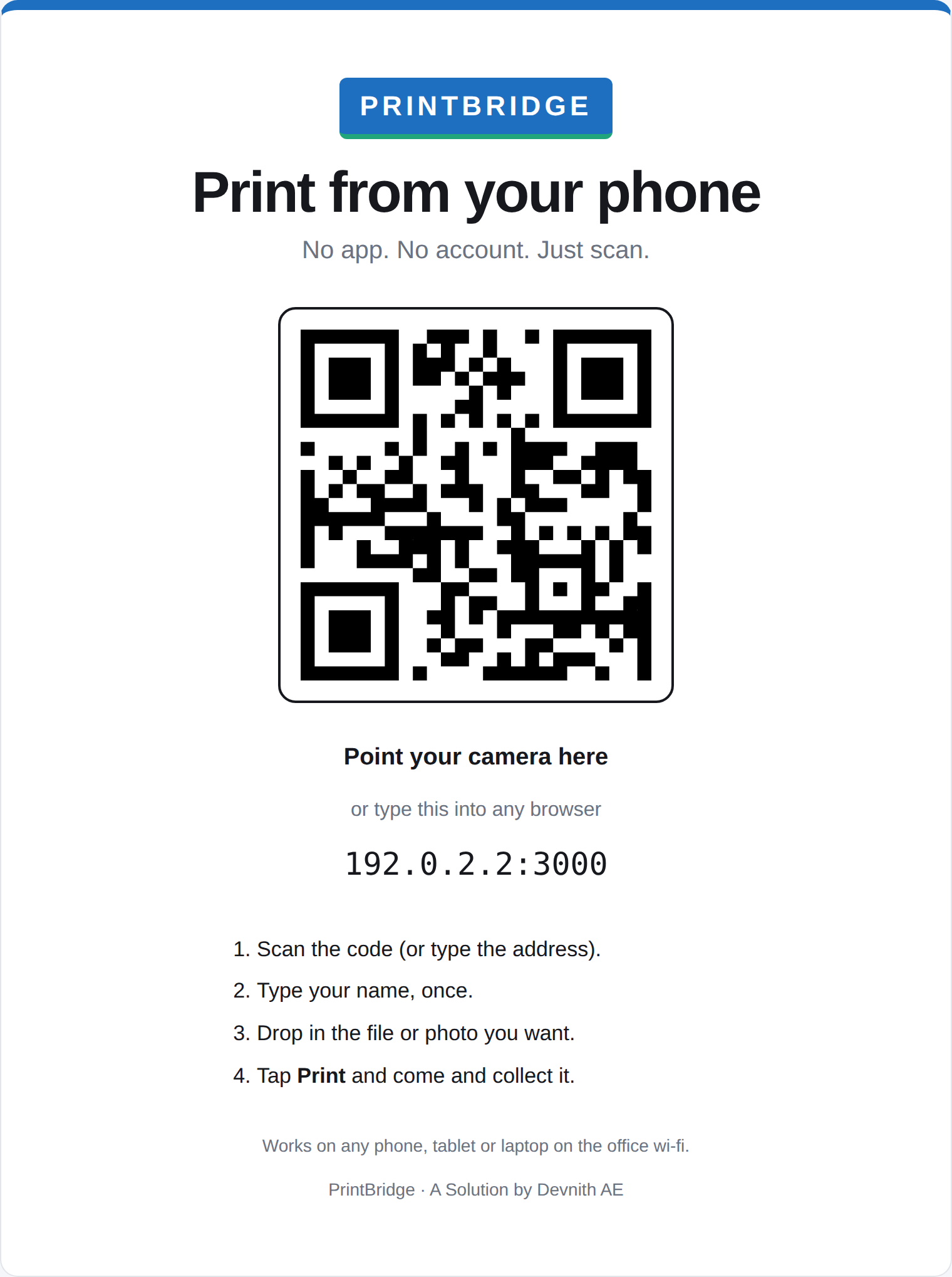 |
- Zero-install mobile printing: Scan the QR code on the office wall and print directly from Safari, Chrome, or any mobile browser on iPhone, iPad, and Android. No apps or accounts needed.
- Google Cloud Print alternative: Keeps all printing local to your office Wi-Fi network. No cloud subscriptions, external accounts, or documents leaving your building.
- Cross-platform: Seamlessly connects Windows 10/11 and macOS (Apple Silicon & Intel) machines across the local network.
- Smart print preview & queue: Visual preview, printer type selection (inkjet, laser, dot matrix, thermal/receipt), live queue tracking, and automatic failover.
Get the newest version from the Download Page or Releases → Latest:
| File | For |
|---|---|
PrintBridgeSetup.exe |
Windows 10 and 11 (64-bit). If SmartScreen appears: More info → Run anyway. |
PrintBridge-<version>.dmg |
Macs (Apple Silicon and Intel). Open it, then double-click PrintBridge.pkg. If macOS says it can’t be opened: System Settings → Privacy & Security → Open Anyway. |
PrintBridge.pkg |
The same Mac installer, without the disk image. |
Install the main computer first, then the computers with printers, then the ones that only print.
Every computer with PrintBridge 4.1.3 or newer checks this page’s latest release every few hours and installs a newer version by itself, when nothing is printing.
It only installs a release whose latest.json is signed with PrintBridge’s own update key (latest.json.sig), and only an installer whose size and SHA-256 fingerprint match the signed file. So neither a changed file here nor anything in between can put a program on the office computers.
This repository holds the download page, the installers, and the signed update files. The full source code is open source at devnithdev/printbridge under the MIT License.