
Generate and edit images easily, for free, using solely the power of your GPU. Drop an image, select an area with familiar tools like the lasso, inpaint it. ZPix aims to be simple yet powerful. See all features.
Windows:
- Download and extract ZPix_1.1.1_Windows.zip
- Run
ZPix.exe- If SmartScreen pops, click on "More info", "Run anyway"
- If a DLL is missing, install Visual C++ Redist and re-run
Debian/Ubuntu:
- Download and install zpix_1.1.1-1_all.deb
- Run ZPix from app launcher
macOS:
- Download and open ZPix_1.1.1_AppleSilicon.dmg
- Drag ZPix to Applications
- Run ZPix from Applications
- If the app doesn't launch, go to system "Settings" > "Privacy & Security", click on "Open Anyway"
Once automatic setup is done:
- Write a prompt and click on "Generate Image"
- Images are autosaved in your Pictures folder, under ZPix
- Recent NVIDIA graphics cards
- Apple Silicon GPUs
- OS: Windows or Linux
- GPU: NVIDIA RTX 30/40/50 series with 8GB VRAM or more
- RAM: 32GB (16GB also works but slower)
ZPix sets up the Python environment and packages for you.
- FLUX.1 [dev]
- Z-Image Turbo
- FLUX.2 [klein] 4B
- Anima Turbo
- Anima Base
- Krea 2 Turbo
- Qwen-Image 2.1 Turbo
- Pruna Qwen-Image 2.1
- Qwen-Image 2.1
Models are progressively downloaded from Hugging Face.
Initial model at start, then other models when requested.
Create an image from a prompt.
- Create or edit an image based on a prompt and/or reference images.
- Add or drag references from the in-app gallery or anywhere.
- Drop an image, select an area with tools, then prompt for precise changes.
Tools available: Lasso, Polygonal Lasso, Rectangle, Ellipse. - Enhance patch quality with the bundled hi-res fix (1.5x, 2x).
- Pixels outside your selection stay untouched.
- Drop an image made by ZPix in the prompt textarea to retrieve its prompt.
You can also drag the image from the in-app gallery. - Reuse or copy the prompt of the displayed image with dedicated buttons.
- Load a LoRA safetensors file on the fly and adjust its strength.
- LoRA trigger words are auto-inserted if found in LoRA metadata.
1:1, 16:9, 9:16, 4:3, 3:4, 5:4, 4:5, 3:2, 2:3, 16:10, 10:16, 21:9, 9:20, 2:1
Photoshop-like shortcuts for inpainting selection tools, fullscreen, and more.
- Adjust steps, and CFG on base models.
- Specify a seed or leave it random.
All images below were generated using ZPix:
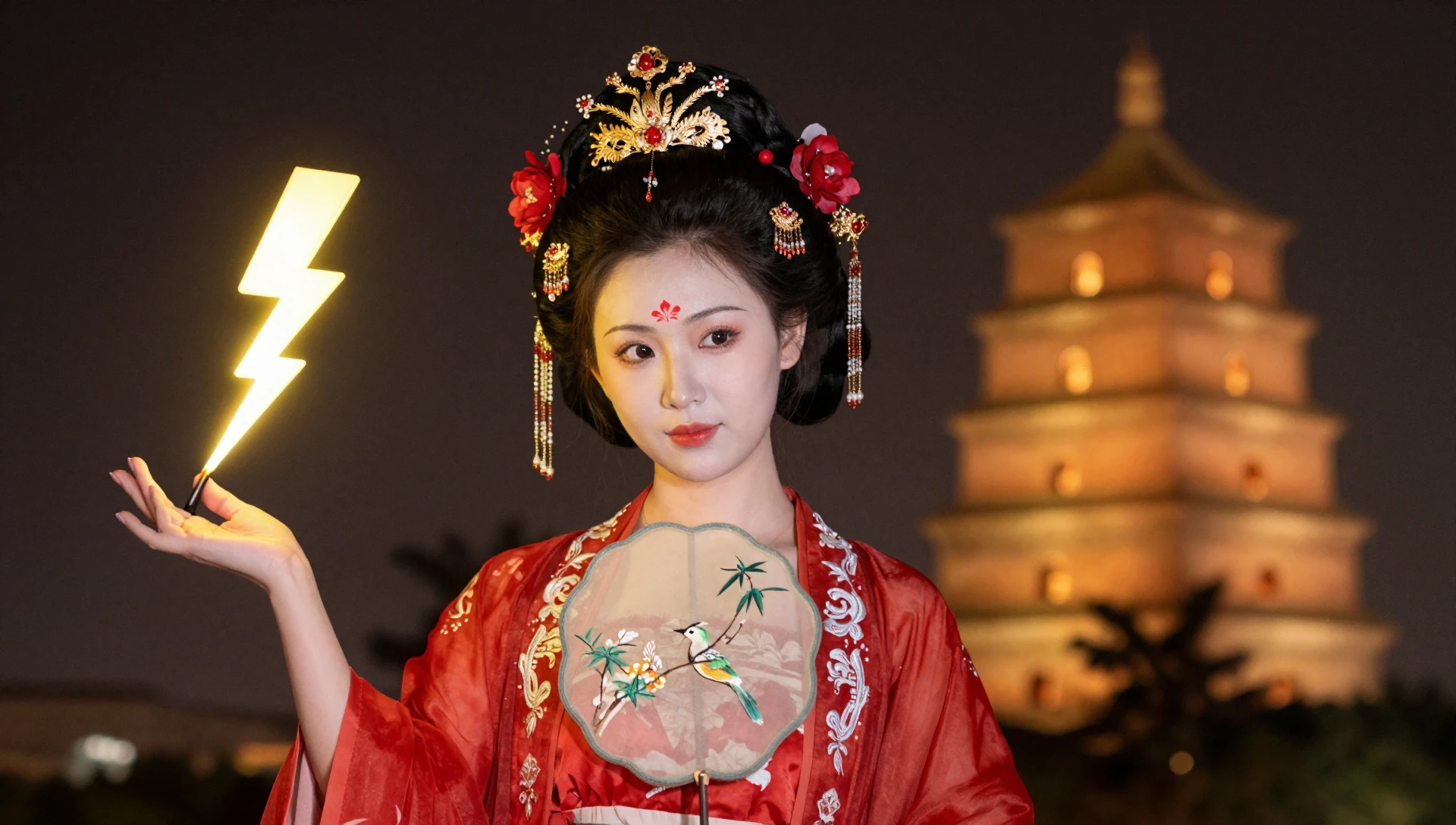
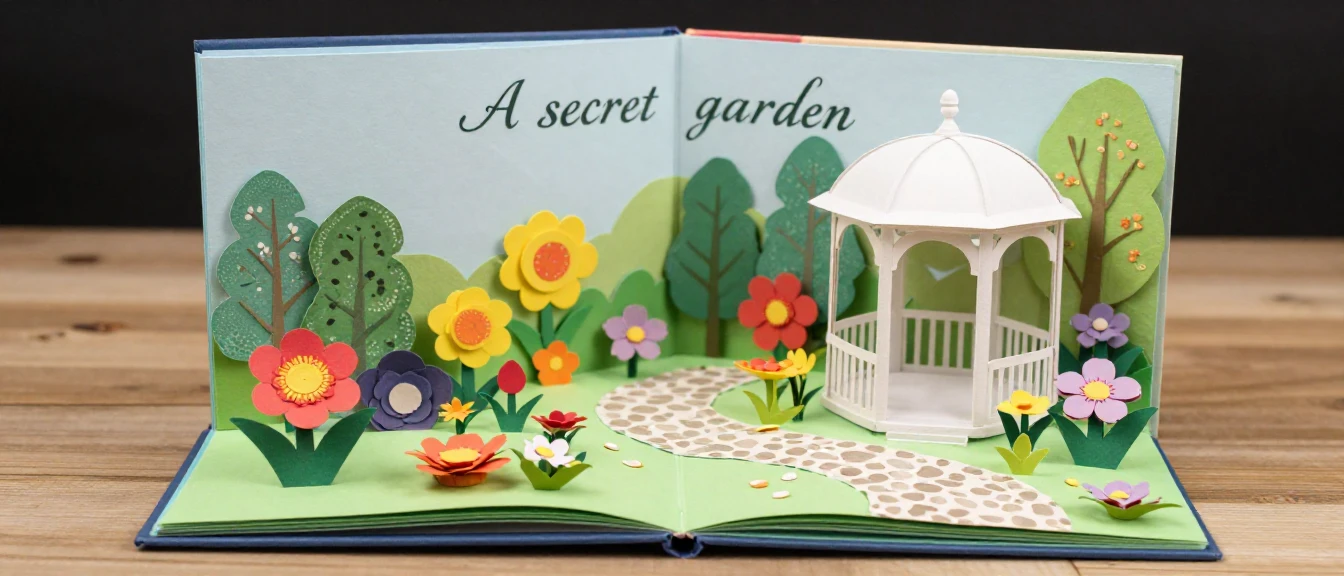
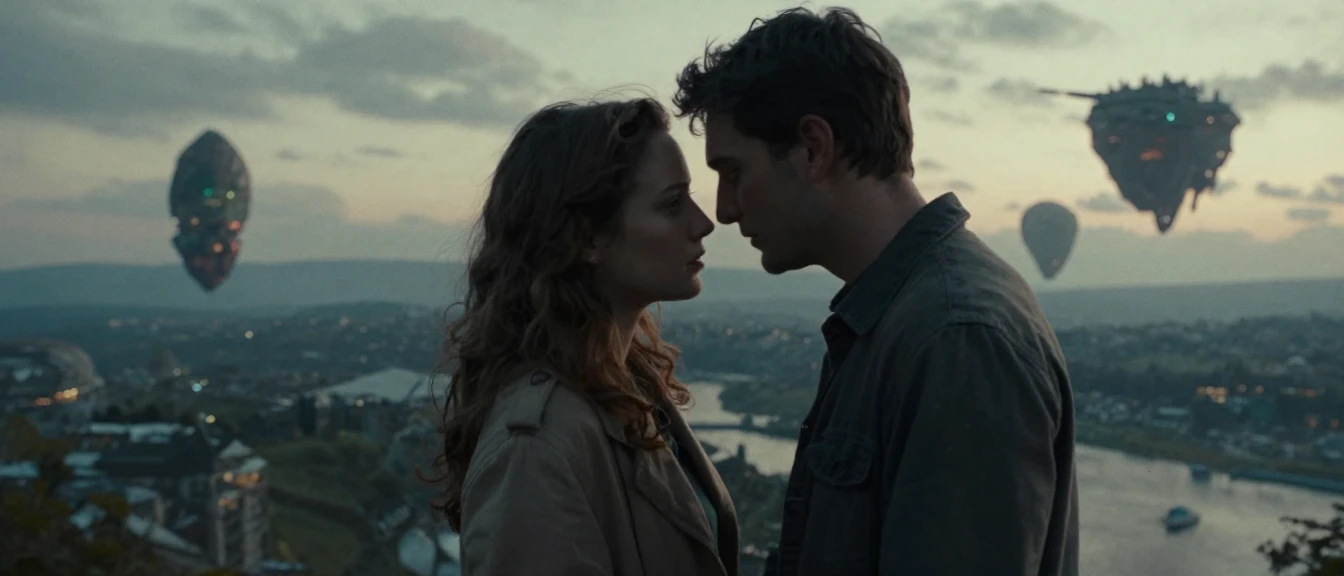
See more examples here.
Please get to FAQ page.
Base models:
- FLUX.1-dev by Black Forest Labs
- Z-Image-Turbo by Tongyi-MAI
- FLUX.2-klein-4B by Black Forest Labs
- Anima by CircleStone Labs, built on NVIDIA Cosmos
- Krea-2-Turbo by Krea
- Qwen-Image-2.1-Turbo by Alibaba
- Qwen-Image-2.1 by Alibaba
Adapters:
- Pruna-Qwen-Image-2.1 by Pruna AI
Quantized models:
- FLUX.1-dev-SDNQ-uint4-svd-r32 by Disty0
- Z-Image-Turbo-SDNQ-uint4-svd-r32 by Disty0
- FLUX.2-klein-4B-SDNQ-4bit-dynamic by Disty0
- Anima-base-v1.0_sdnq_dynamic_8bit by OzzyGT
Python packages:
- Torch
- Triton Windows
- FlashAttention Prebuild Wheels
- Diffusers
- PEFT
- SDNQ
- PlatformDirs
- CrossFileDialog
- Gradio
Python tools: uv, ty and Ruff by Astral
JavaScript libraries:
- Polygon Clipping by Mike Fogel
C++ libraries: WebView2 by Microsoft
C++ tools: CMake by Kitware, and vcpkg by Microsoft
Icons:
- Control by Ian Anandara
- Dice by Juicy Fish
- Folder by Freepik
- FAQ by Kerismaker
- Refresh, Lasso, Square Dashed and Circle Dashed by Lucide
Thanks to M1000, Kellzea, JDD, Design8400, Jskup, TGS and Nomis for beta testing this program.
This program is free software: you can redistribute it and/or modify it under the terms of the GNU General Public License version 3 or later.
You engage to use this program legally and ethically.
Samuel Tallet