


⭐ Make new friends and expand your social circle.
⭐ Playing team sports is a great way to boost your health and longevity by increasing your physical activity.
⭐ Organizing and managing sports team games has never been easier.
It is built with the Android Studio work environment in Java and uses Firebase as its database.
The project follows Model-View-Controller design pattern
The Mode interacts with the database and is responsible for the CRUD (Create, Read, Update and Delete) operations. It is responsible for holding data, loading it intelligently from an appropriate source, be it disk or network, monitoring changes and notifying the Controller about those, being self-sufficient. As the Model is responsible for loading and syncing the data (like network connectivity, failed updates, scheduling jobs, etc), the Controller should not worry about these conditions.
The Model contains the following classes:
- PlayerDAL.
- RoomDAL.
- ChatDAL.
- Player.
- Room.
The view contains the UI and all functionality that directly interacts with the user, like clicking a button, or an enter event. In the View, there is no logic to be applied, only the ability to display data provided by the Controller. This makes it easy to unit test and removes the dependence on Android APIs.
The View contains all the activities.
Manages the system processes by connecting the Model to the View. Most of the business logic, data manipulation, and display of the data are handled by this component. All logic for the app is present here, making it 100% unit testable. A Controller's responsibilities include fetching data from external sources via the Model, observing changes, and updating the View. In addition, it needs to handle any View interactions that require logic, such as UI triggers causing complex interactions. One notable exception is the ability to launch an Activity by clicking on its button. The action relies completely on Android APIs and does not require any logic.
The Controller contains the following classes:
-
Game Management
-
Switch Activities.
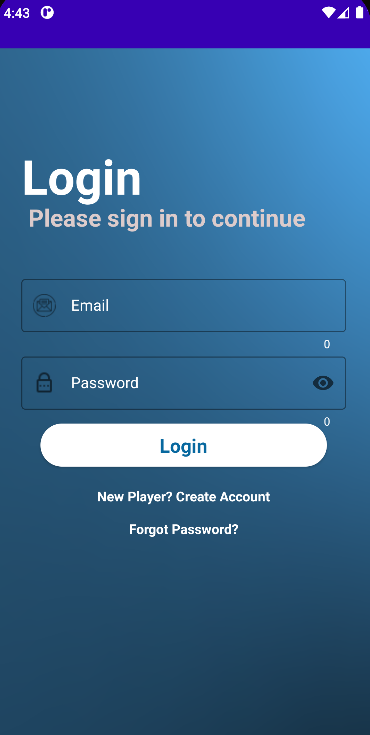
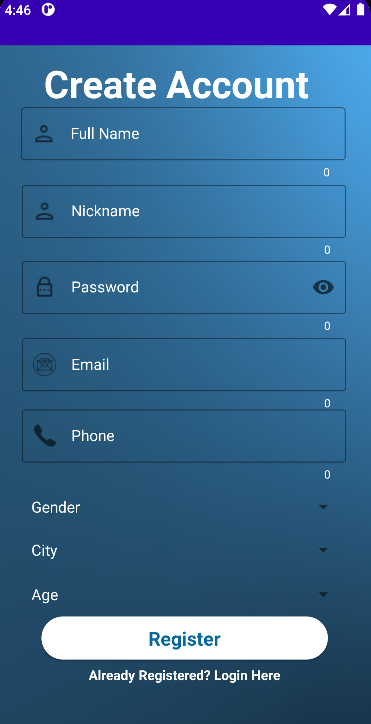
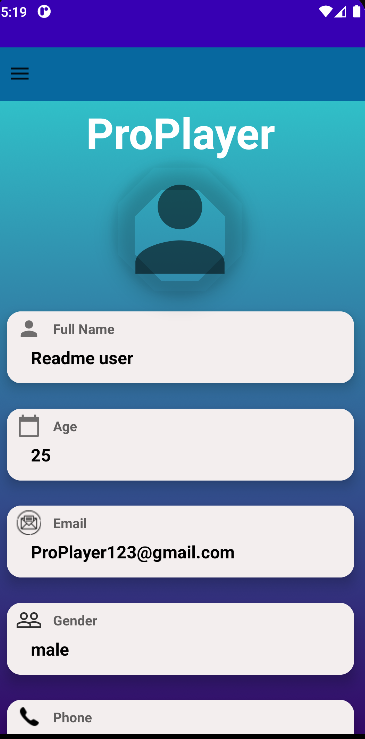
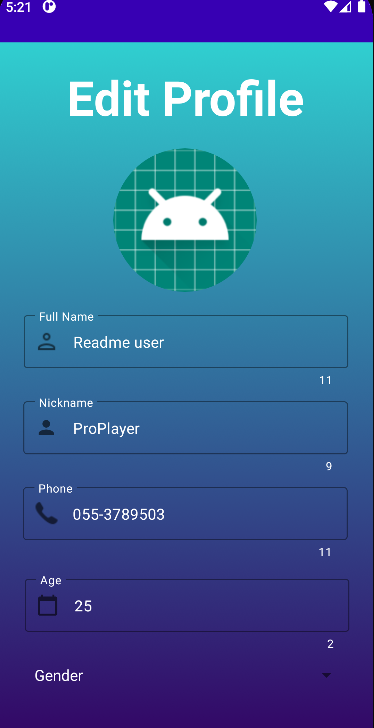
| Login Page | Create Account | My Profile | Edit Profile |
|---|---|---|---|
 |
 |
 |
 |
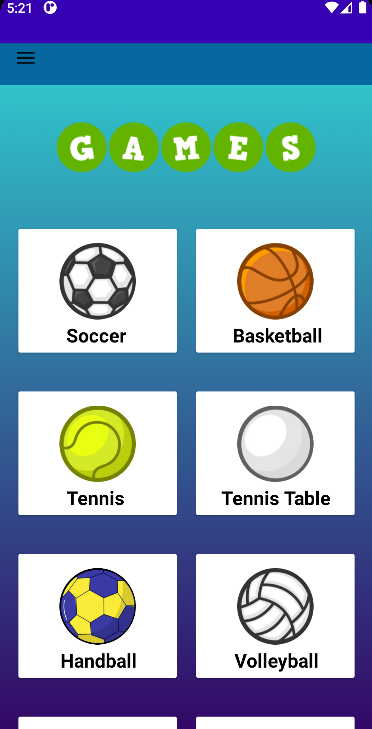
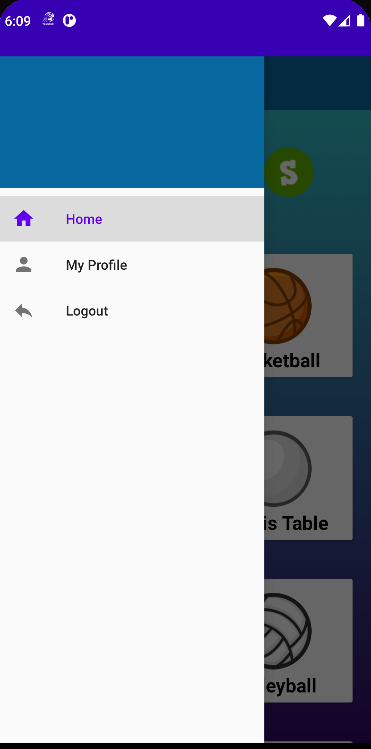
| Sport Menu | Slide Menu |
|---|---|
 |
 |
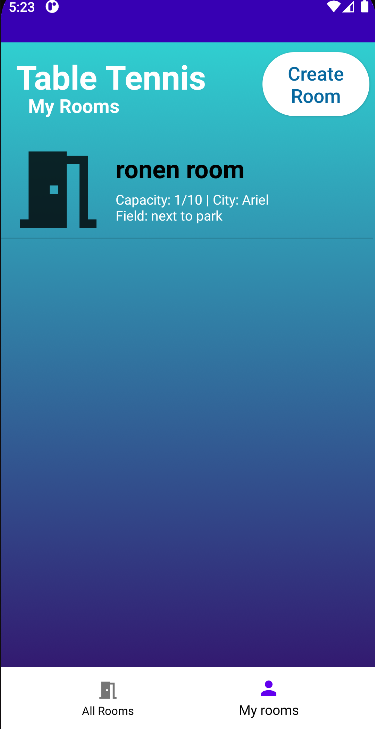
| Game Rooms | Create Room | My Room | Chat |
|---|---|---|---|
 |
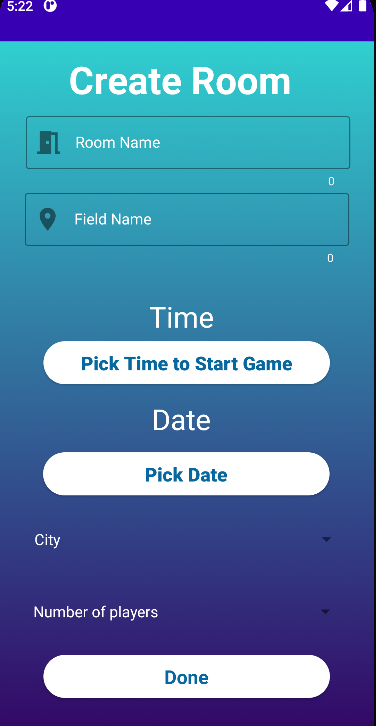 |
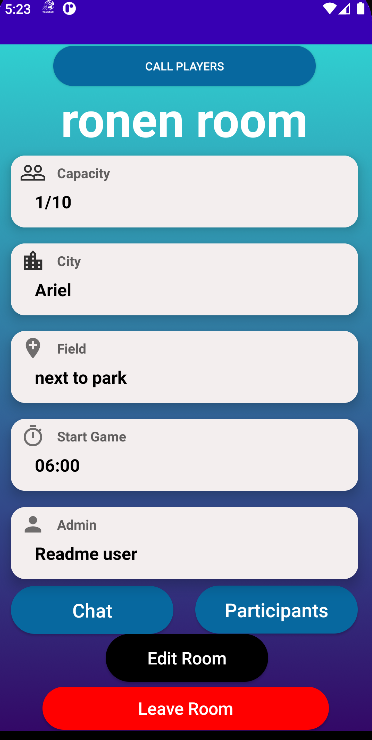 |
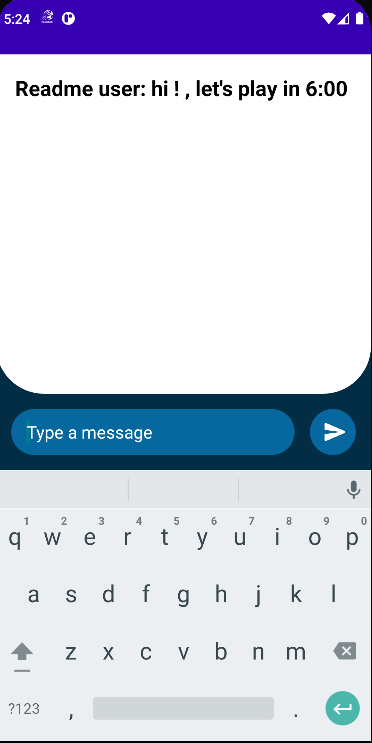 |
Please let us know if you have any feedback or comments about our Android app. Those who want to dive even deeper and do some work on our code are more than welcome to submit a pull request through our Github.
To get the code running just follow the following steps:
- Clone our GitHub repository to get the code
- Install your Android Development Environment
- Import the TeamBall Android Open Source Project into your IDE
- Use Gradle Task: install_debug to run the code
| Lior Atia | Ofir Ovadia | Lioz Akirav |
|---|---|---|
 |
 |
 |